A Livestream Module Overview
Members will appreciate the ability to easily access your church's video or audio livestream right from in the Church Social app. This means that once they have access to the Church Social app, members know where to find the livestream if they are unexpectedly unable to attend the service.
To enable the Livestream module an administrator can do so on the Livestream Settings page at the following link: https://app.churchsocial.com/settings/livestream
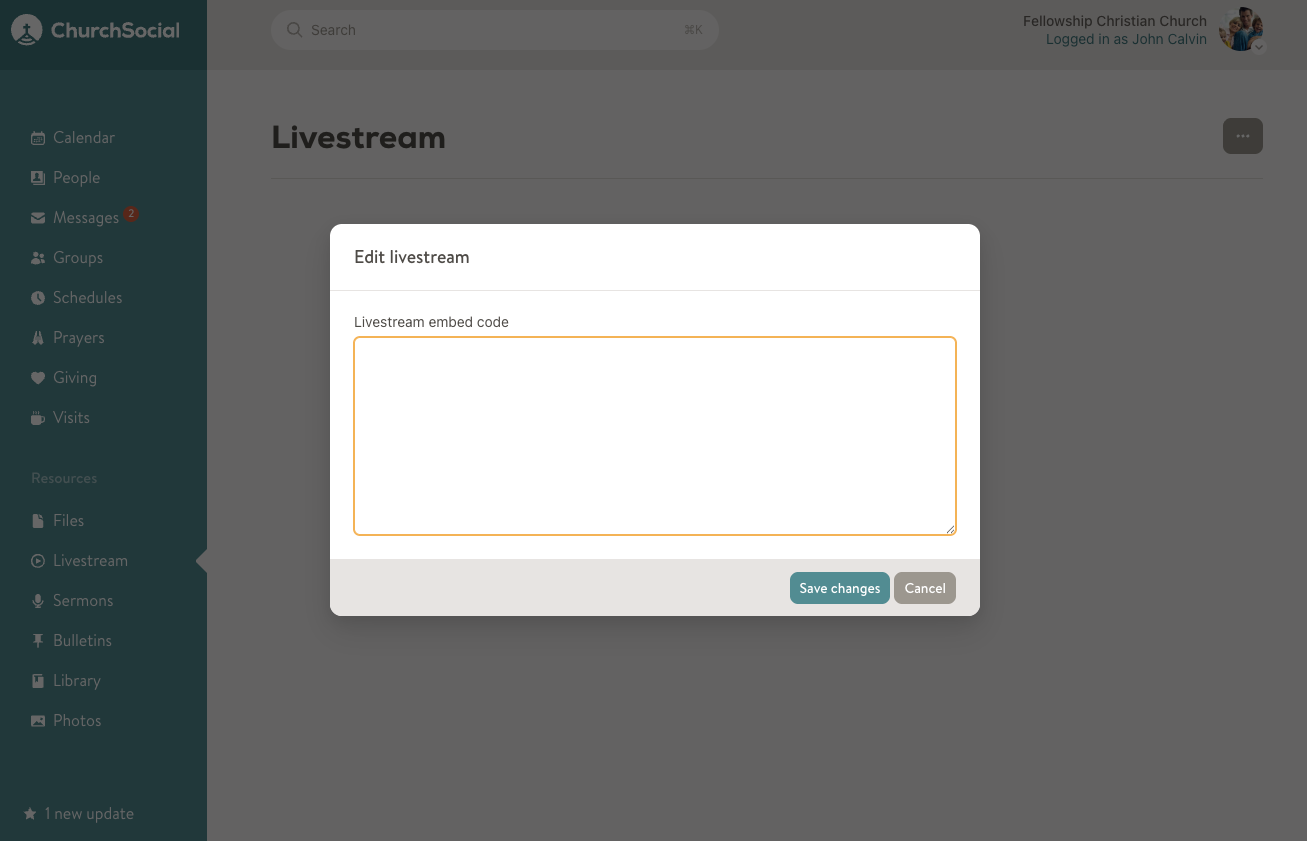
Once the module is enabled, an administrator or sermon editor can add the appropriate livestream embed HTML code into the Livestream page. To add or edit the code just click on the 3-dot menu in the top right of the Livestream page to open the Edit livestream dialog.